OBD2 Car Scanner - EOBD Facile
- 4.5
- Rating
- 10.00M
- Installs
- Free
- Price
 Analysis by App-foxy
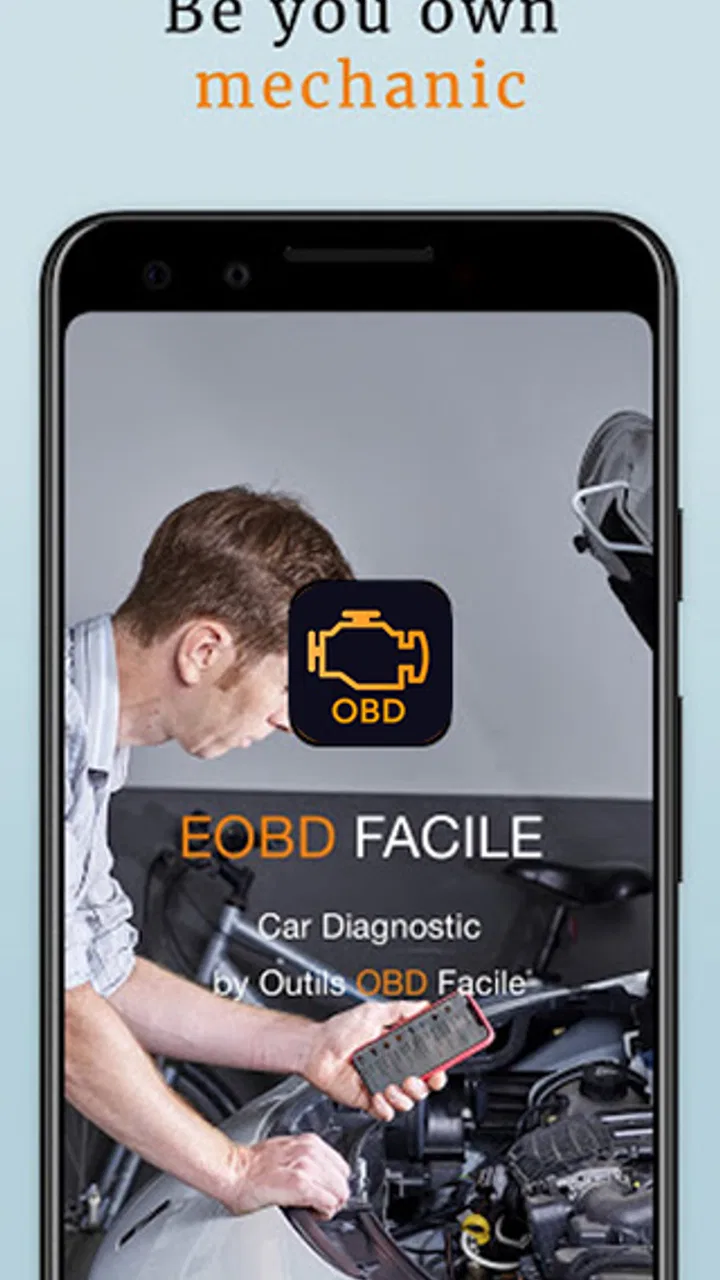
I like car apps that solve one clear problem without pretending to replace a mechanic, and OBD2 Car Scanner - EOBD Facile takes that practical approach. It is an Android and iOS app in the Auto & Vehicles category from Outils OBD Facile, built around a compatible ELM327 Bluetooth adapter and the vehicle’s OBD2 system. In everyday terms, it turns a phone into a way to inspect fault codes and view selected engine information rather than leaving you to guess why a warning light appeared.
The app is free to install and has an Everyone content rating, which makes it easy to try before spending anything. Its listing shows optional in-app purchases ranging from $21.99 to $43.99 per item, so the useful question is not simply whether it is free, but whether the free access and any paid upgrade match the kind of diagnosis you actually need. I found that distinction important: this is most appealing as a first diagnostic tool, while serious repairs still require proper testing and mechanical judgement.
How the scanner fits into real car ownership
The basic workflow is familiar to anyone who has used an OBD2 reader. You connect a suitable ELM327 Bluetooth device to the car, pair the phone, open the app, and let it communicate with the vehicle. The app then focuses on information that is normally hidden behind the dashboard, including stored fault codes and engine-related readings. That can make a confusing warning light much easier to discuss with a garage.
You May Also Like

 AccuWeather: Weather Radar
AccuWeather Review: A Quick, Clear Forecast for Everyday Decisions
For everyday plans, the best forecast is the one you can understand quickly. AccuWeather makes rain timing, radar, and local conditions easy to act on, with a few trade-offs.

 Hill Climb Racing
Why Hill Climb Racing Still Turns Crashes Into One More Run
A tiny car, a bumpy hill and one more upgrade: Hill Climb Racing keeps resurfacing because its simple chaos makes every near-miss feel personal.

 AliExpress - Shopping App
AliExpress Makes Global Shopping Feel Personal, but Shoppers Bear the Risk
AliExpress turns a global marketplace into a pocket-sized discovery engine. Its reach is useful, its shopping loop compelling, and its trade-offs easy to miss.

 Lords Mobile: Kingdom Wars
Lords Mobile Is a Kingdom-Building Routine, Not a Quick Match
A case-by-case verdict on the building, battles, device demands, and social commitments that make Lords Mobile rewarding for some players and exhausting for others.

 PDF Scanner app - TapScanner
TapScanner Makes Paperwork Easier to Capture, Check, and Share
TapScanner makes scanning with a phone feel less like a rescue operation and more like a dependable step in getting work done. Its capture tools are useful, though not flawless.

 Block Blast!
Block Blast! Shows How Much a Puzzle Game Can Leave Out
A quiet grid game shows why puzzle players increasingly value instant clarity, repeatable skill and low-pressure play—and where the genre still needs to catch up.
More From Our News Desk
View All News


One useful detail is that the app is not limited to displaying a mysterious code and leaving you alone. Its purpose is to help connect the code with a possible area of concern. That does not turn a code into a guaranteed diagnosis, but it gives me a better starting point than relying on a generic dashboard message or searching the internet with no context.
The store summary also highlights checking engine torque. I would treat that as an observation tool rather than a laboratory measurement. Vehicle data depends on the car, its sensors, the adapter, and the way the manufacturer exposes information through OBD2. A reading can be useful for spotting changes or understanding how the engine behaves, but it should not be treated as proof of exact performance.
That distinction is one of the app’s most important lessons. OBD2 tells you what the vehicle’s system has detected or reported. It does not automatically identify the failed component, prove that a repair has worked, or explain every mechanical problem. A loose connection, a worn part, a vacuum issue, or an electrical fault may all require checks beyond the phone screen.
What I would do when a warning light appears
Imagine the check-engine light comes on during a normal commute. My first step would be to park safely, allow the car to cool if necessary, and connect the adapter only when the vehicle and phone are ready. I would read and record the code before clearing anything. That record matters because erasing a code can remove useful evidence for a technician, even if the light later returns.
Next, I would compare the timing of the warning with recent events: refuelling, difficult starting, unusual running, a battery change, or work carried out under the bonnet. The app can provide the code and live context, but those surrounding details often determine whether the issue looks urgent or merely needs an appointment.
If the car is running badly, overheating, losing power, producing smoke, or showing a warning that indicates immediate danger, I would not use this app as permission to continue driving. A scanner is valuable for information; it is not a substitute for roadside assistance or a qualified inspection. That is a realistic boundary, and understanding it prevents a cheap diagnostic tool from becoming an expensive mistake.
Free access and the question of paid value
Because the app is free, the lowest-risk approach is to install it and test whether it connects reliably with your vehicle and adapter before considering an upgrade. Compatibility is the first practical hurdle. The phone, Bluetooth adapter, car, and app all need to cooperate, and a problem in any one of those links can look like an app failure.
The paid items are listed at $21.99 to $43.99 each. I would only consider that spending sensible after confirming that the connection works and identifying a regular need for the extra capability. Paying before testing the hardware combination would be the wrong order, especially for someone who only wants to investigate one warning light.
For occasional home use, the free entry point is a strong advantage. It lets a driver decide whether reading vehicle data is genuinely helpful. For someone who maintains several cars, monitors recurring faults, or wants a phone-based tool available in the glove compartment, paid access may be easier to justify. The value depends on repeated use, not on the price alone.
I also appreciate that the app’s age and reach suggest it is not a brand-new experiment. It was released on May 8, 2012, and has grown to over 10 million installs, with a 4.5 average from around 85 thousand ratings. Those figures do not guarantee that it will work with every vehicle, but they do make it a more credible starting point than an unknown scanner with no established audience.
What the interface is good at, and where patience helps
The strongest experience is task-focused: connect, read, interpret, and decide what to do next. That suits drivers who want a practical answer rather than a large dashboard of decorative gauges. The app’s current version is 3.85.1166 and it supports devices running Android 5.0 or later, so it remains accessible to people using older Android hardware.
Bluetooth pairing is still the part most likely to frustrate a first-time user. I would check that the adapter is firmly seated, turn off other Bluetooth connections if pairing becomes confusing, and follow the adapter’s normal connection process rather than repeatedly tapping inside the app. A cheap or unreliable ELM327 device can create delays, dropped data, or misleading impressions about the software.
Another practical tip is to keep a short log. Write down the date, warning symptoms, code, and whether the car was cold or warm. If the same code returns after a repair, that history is more useful than a single screenshot. It also helps separate an intermittent issue from one that appears consistently.
I would avoid clearing codes simply to make the dashboard look normal. Clearing may switch off the warning temporarily, but it does not repair the cause. It can also reset readiness information that may matter before an emissions inspection. The app is more valuable when used as a record-and-understand tool than as a way to hide an inconvenient light.
Three less obvious ways I would use it
First, I would use it before buying a used car as one part of a broader inspection. Reading stored or current fault information can reveal that a seller’s “recently fixed” warning has not really been resolved. It cannot prove the car is healthy, and I would still arrange a professional inspection, but it can help me ask sharper questions before committing money.
Second, I would use it after maintenance to verify the sequence of events rather than assuming success because the dashboard light went out. I would note the original code, drive only as appropriate, and check whether the symptom or code returns. That is a more disciplined workflow than repeatedly disconnecting the battery or relying on memory.
Third, I would use engine readings for comparison rather than chasing a single number. For example, recording how the car behaves on the same route with similar conditions may reveal a change that is worth investigating. The trade-off is that this requires consistency and restraint: phone-based OBD readings are useful clues, not a dyno test or a complete health report.
Where it compares well with ordinary alternatives
Compared with visiting a garage for every dashboard warning, the app offers speed and convenience. I can inspect the code at home, understand whether the issue sounds familiar, and arrive at a repair appointment with more useful information. That can reduce uncertainty even when the final repair still needs professional equipment.
Compared with a basic handheld reader, a phone app is easier to update and more comfortable for keeping notes, viewing information, and discussing findings. The downside is that it adds another dependency: the phone, Bluetooth connection, adapter quality, and app setup all matter. A dedicated reader can be quicker when I need a simple code check and do not want to troubleshoot wireless pairing.
Compared with a manufacturer-level diagnostic system, this app is the more approachable option but not the deeper one. A professional tool may access modules and manufacturer-specific functions that a general OBD2 approach cannot. If the problem involves airbags, advanced driver assistance, body electronics, programming, or a stubborn intermittent fault, I would choose a qualified workshop or specialist equipment instead.
Who gets the most value from it
This app makes the most sense for a driver who likes to understand basic vehicle warnings, owns a compatible ELM327 Bluetooth adapter, and is comfortable treating scan results as clues. It is also useful for a small household with more than one car, provided each vehicle communicates properly and the user is willing to keep records instead of jumping straight to a repair conclusion.
It can be especially helpful for someone preparing to speak with a mechanic. Knowing the exact code, the symptoms, and when the warning appeared gives the conversation a better starting point. The app does not have to solve the problem completely to be worthwhile; saving time and improving the quality of the initial information is already a meaningful benefit.
I would skip it if I expect a one-tap diagnosis, automatic confirmation that a part has failed, or access to every electronic system in a modern vehicle. I would also skip relying on it alone if I am uncomfortable interpreting uncertainty. In those situations, a garage with proper diagnostic equipment is the better option, even if the app itself costs nothing to try.
My verdict on installing or paying
My recommendation is to try the free version first, with a known-compatible adapter and a specific reason for using it. The free entry point makes that decision straightforward, while the paid range means I would not purchase extra access until the connection and basic workflow have proved useful for my car.
For routine code reading, used-car preparation, maintenance notes, and a clearer conversation with a mechanic, OBD2 Car Scanner - EOBD Facile offers practical value. Its large install base and strong average rating support confidence in giving it a fair test, but they should not replace checking your own vehicle compatibility.
My bottom line is simple: use it to collect better evidence, not to replace diagnosis. If that is what you want from a free Auto & Vehicles app, it is a sensible download. If you need manufacturer-specific repair functions or certainty about a serious fault, spend your time and money on professional equipment instead.
FAQs for OBD2 Car Scanner - EOBD Facile
01What is the OBD2 Car Scanner - EOBD Facile app used for?
The OBD2 Car Scanner - EOBD Facile app is designed to help car owners and mechanics diagnose vehicle problems by connecting to the car's on-board diagnostics system. It reads error codes, provides information on the vehicle's performance, and suggests potential fixes, making it an essential tool for maintaining car health.
02Is the OBD2 Car Scanner compatible with my vehicle?
OBD2 Car Scanner - EOBD Facile is compatible with most vehicles manufactured after 1996 that support OBD2 protocols. It works with a wide range of car makes and models, providing versatility for users. However, it's recommended to check the app's compatibility list or contact support for specific vehicle inquiries.
03Do I need any additional hardware to use the app?
Yes, to use the OBD2 Car Scanner - EOBD Facile app, you'll need an OBD2 Bluetooth or Wi-Fi adapter. This adapter connects to your car's OBD2 port and pairs with your smartphone, allowing the app to access data from your vehicle's computer system for diagnostics and performance tracking.
04What features does the OBD2 Car Scanner app offer?
The app offers a range of features including reading and clearing diagnostic trouble codes, real-time data monitoring, freeze frame data, emission test readiness, and vehicle performance metrics. It also provides detailed explanations of codes, making it easier for users to understand and resolve issues.
05Is the OBD2 Car Scanner app easy to use for beginners?
Yes, the OBD2 Car Scanner - EOBD Facile app is designed with user-friendliness in mind. It features an intuitive interface with clear instructions and easy navigation. Beginners can quickly learn how to diagnose issues and monitor their vehicle's performance without extensive technical knowledge.
Pros
- User-friendly interface and easy navigation.
- Compatible with various car brands.
- Real-time engine data streaming.
- Offers detailed diagnostic reports.
- Supports multiple languages.
Cons
- Limited free version features.
- Requires a compatible adapter.
- Some data may require technical knowledge.
- Occasional connectivity issues.
- Updates may be infrequent.

OBD2 Car Scanner - EOBD Facile
Gallery